Test Automation Result Saving
After thoroughly reviewing the automation results and making any necessary changes or re-automating steps, click the Save Automation button when you are satisfied. You are then redirected to the test case details page.
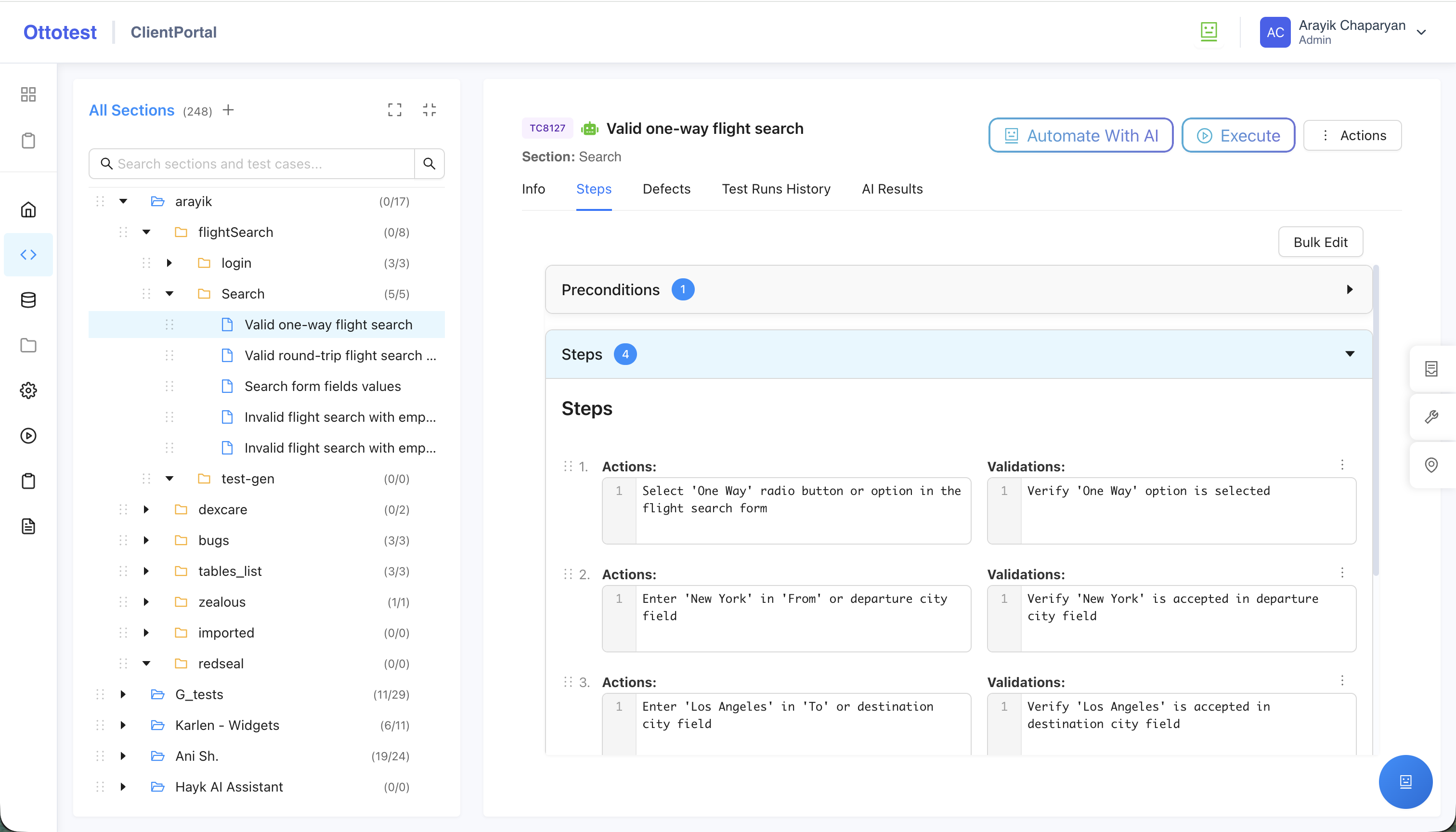
On that page, a robot icon appears next to the test case name, indicating that the test case has automation saved.
Recommended
We recommend running a test execution from this page by clicking the Execute button to validate the automation. You can choose to run and validate either locally or in the cloud browser.
After final validation and a successful run, you can include the automated test in further test runs and test plans—for example, regression, smoke, or release testing.