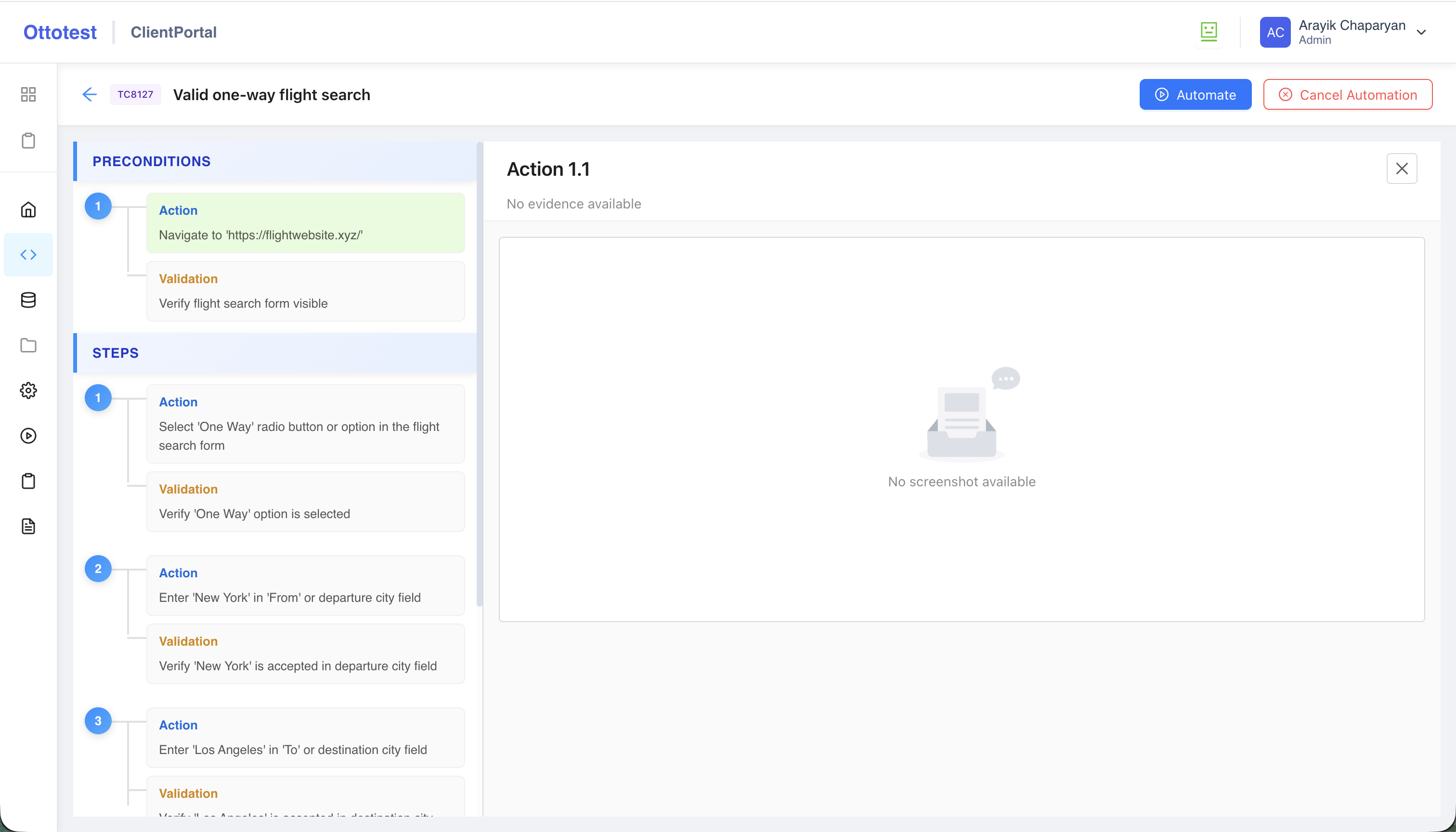
Test Automation Page Structure
The Test Automation page helps you quickly understand how a test case is broken down into executable actions and validations.
On the left-hand panel, you’ll find a structured list of actions and validations derived from the test case Preconditions, Steps, and Postconditions, grouped under clear, meaningful section names.
You can scroll through this list to navigate the test. When you click on an action or a validation, you’ll see detailed information about how that step is automated, along with a screenshot (when one has been generated by the automation process).