Test Automation Execution
You can run Test Automation in two environments:
- Cloud environment
- Local environment
Cloud environment
When you use the cloud environment, the test automation run is started and executed in a cloud browser according to your selected configuration. You see the results when the run finishes. This option works well when you do not want your working process interrupted and prefer to continue with other testing activities while it runs.
Local environment
When you use the local environment, the test automation run is started and executed in your local browser according to your selected configuration. You can watch the execution in your browser and validate the behavior visually. This option is well suited for debugging.
After execution
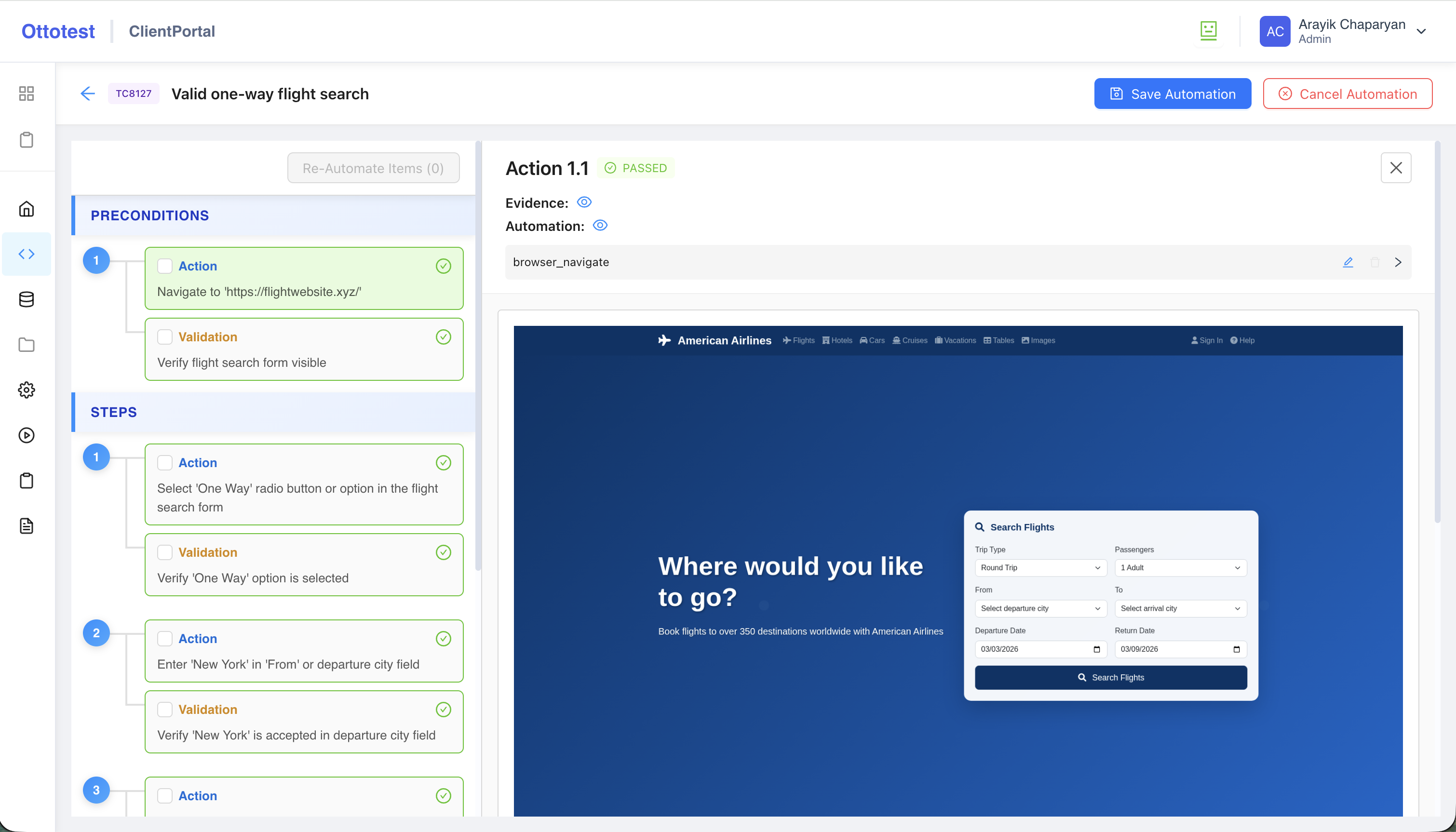
In both cases, after the test automation run completes, you receive a notification about the execution status. The status of each action and validation is shown in the left panel on the Test Automation page.
It is highly recommended to go through each action and validation, review the automation result for every item, check the quality of the results, and change or re-automate steps as needed.